Message counting based on recipient
note
Available only as a condition.
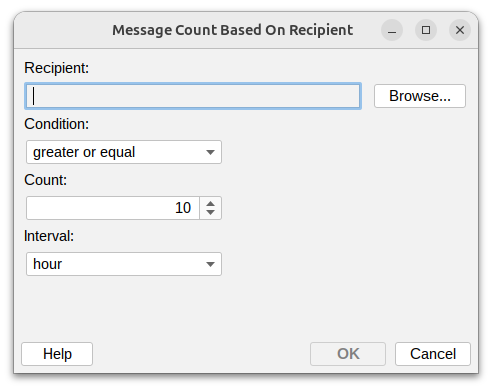
This condition lets you monitor and control how many messages a recipient receives within a specific time period. This is useful for protecting users from message flooding, detecting targeted spam attacks, or implementing receiving quotas.
Recipient
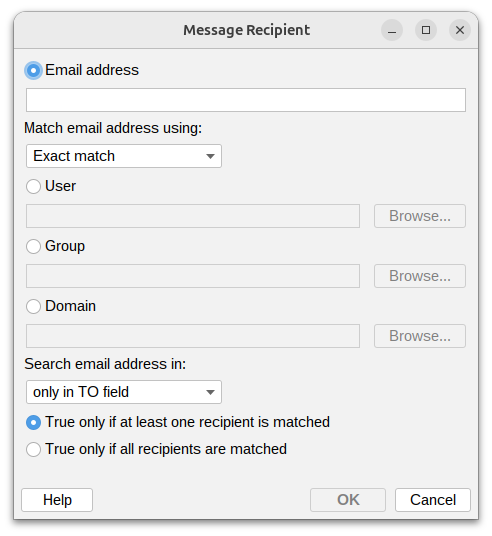
Read more about Recipient field. All the ways of matching are available here as well, including In Group for counting the messages of every member of a group and In Domain for a whole domain.
Condition

Set how to compare the message count:
- Greater or equal – At least the specified number of messages
- Greater than – More messages than the specified count
- Less or equal – No more than the specified number of messages
- Less than – Fewer messages than the specified count
- Equal – Exactly matches the count you specify
- Not equal – Any count except the one you specify
Count
Enter the number of messages to use as the threshold.
Time interval

Choose the time period to count messages within:
- Minute – Messages per minute
- Hour – Messages per hour
- Day – Messages per day (24 hours)
- Week – Messages per week (7 days)
- Month – Messages per month (30 days)