Change message format
The Change message format action converts the body of a message between plain text and Html. Use Text to Html to give plain text mail, for example from a ticket system, a scanner or a script, a consistent look with your font, colours and clickable links. Use Html to text to deliver plain text to recipients or systems that cannot show Html, or to strip the styling and tracking images from mail passing through.
Attachments stay as they are, also the parts Apple Mail puts between the pieces of an Html body. Later actions of the same message and the signature and disclaimer rules that follow see the converted message, so they add the template variant of the new format: the Html template to a message converted to Html, the text template to a message converted to text.
Convert the message body: choose Text to Html or Html to text. Both sets of options are kept, so switching the direction does not lose the settings of the other one.
Text to Html
A plain text body becomes a complete Html document. The look is applied as inline styles on one
wrapper element, which mail clients honour better than style sheets. Everything taken from the
text is escaped, so a < typed by the sender stays visible.
Look
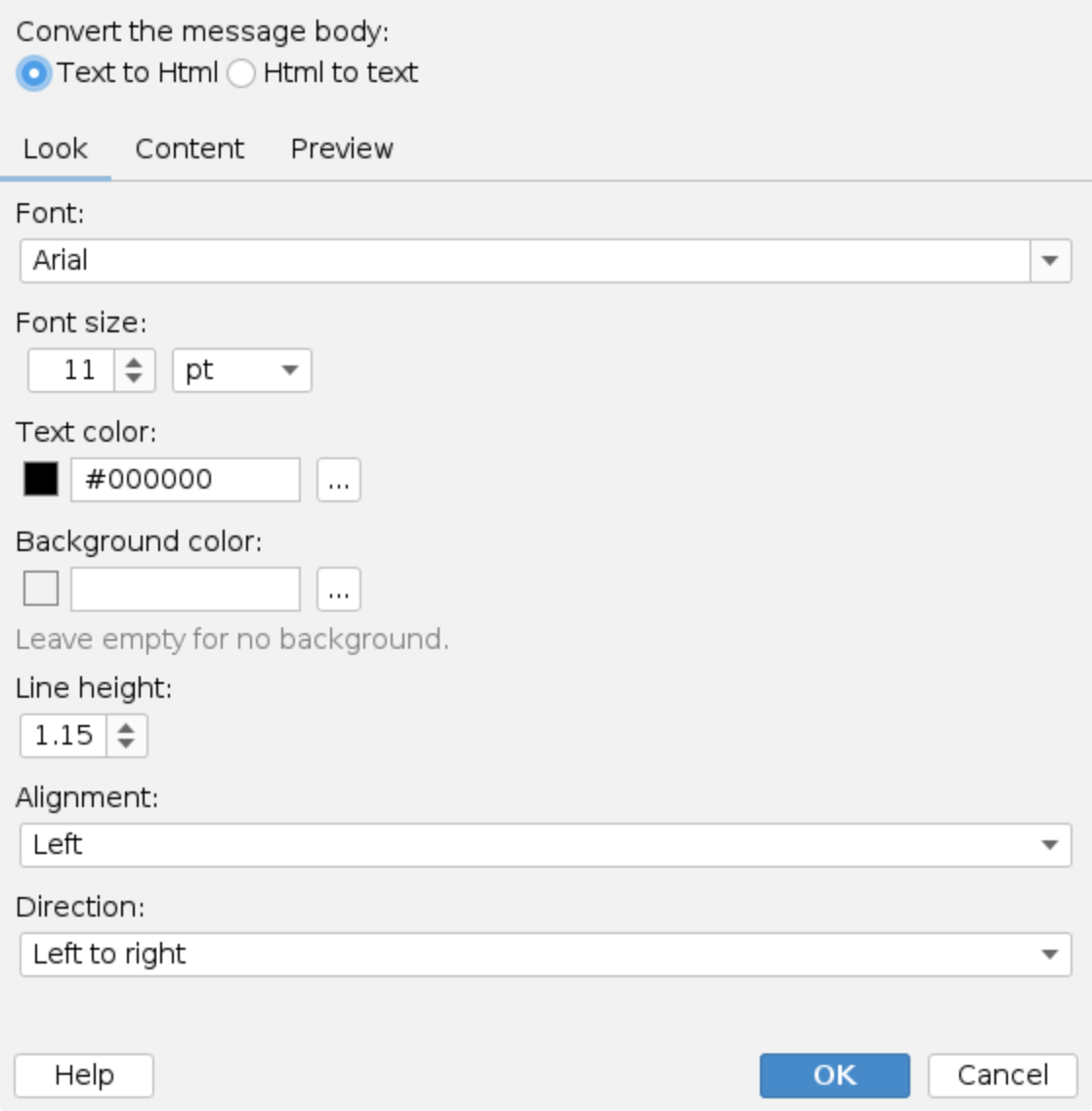
- Font - one of the web safe fonts offered, or any name typed in. A similar fallback is
added for devices without the font. The default is
Arial. - Font size - with the unit
ptorpx, from 6 to 72. The default is11pt. - Text color and Background color - as
#RRGGBB. Leave the background empty for none. - Line height - from
1.0to2.0times the font size,1.15by default. - Alignment - left or right.
- Direction - left to right, or right to left for Arabic and Hebrew mail.
Content
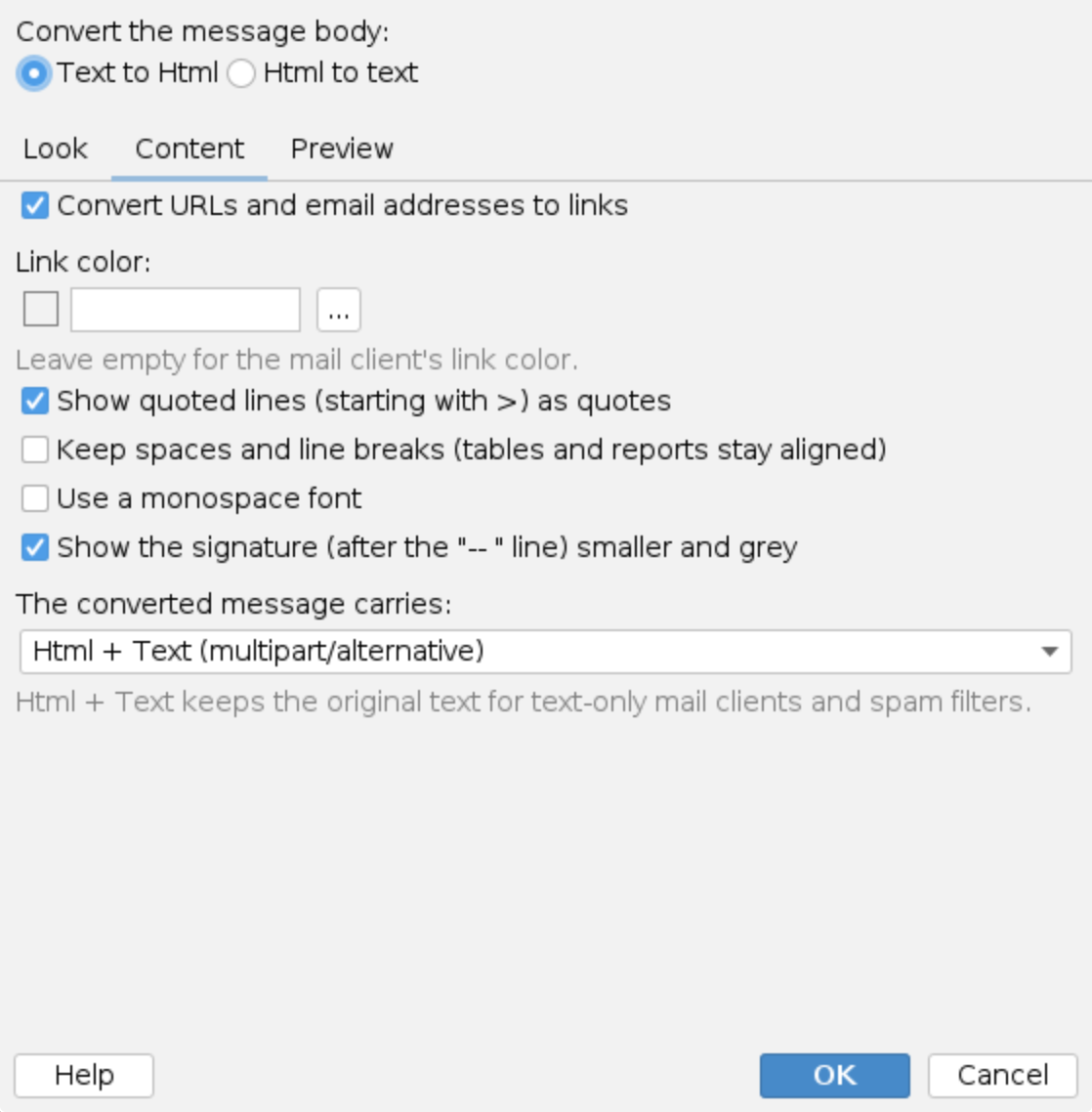
- Convert URLs and email addresses to links -
https://andwww.addresses and email addresses become links. Trailing punctuation stays outside the link. Link color sets their colour; leave it empty for the mail client's own. - Show quoted lines (starting with >) as quotes - lines starting with
>become block quotes, nested for> >. - Keep spaces and line breaks (tables and reports stay aligned) - the text is shown as written, so columns made with spaces line up. Off by default: lines wrap in the mail client.
- Use a monospace font - for reports and logs.
- Show the signature (after the "-- " line) smaller and grey - the part after the usual
--separator line. - The converted message carries - Html + Text (multipart/alternative) sends the Html with the original text as the alternative, which text-only clients and spam filters prefer. Html only sends the Html alone.
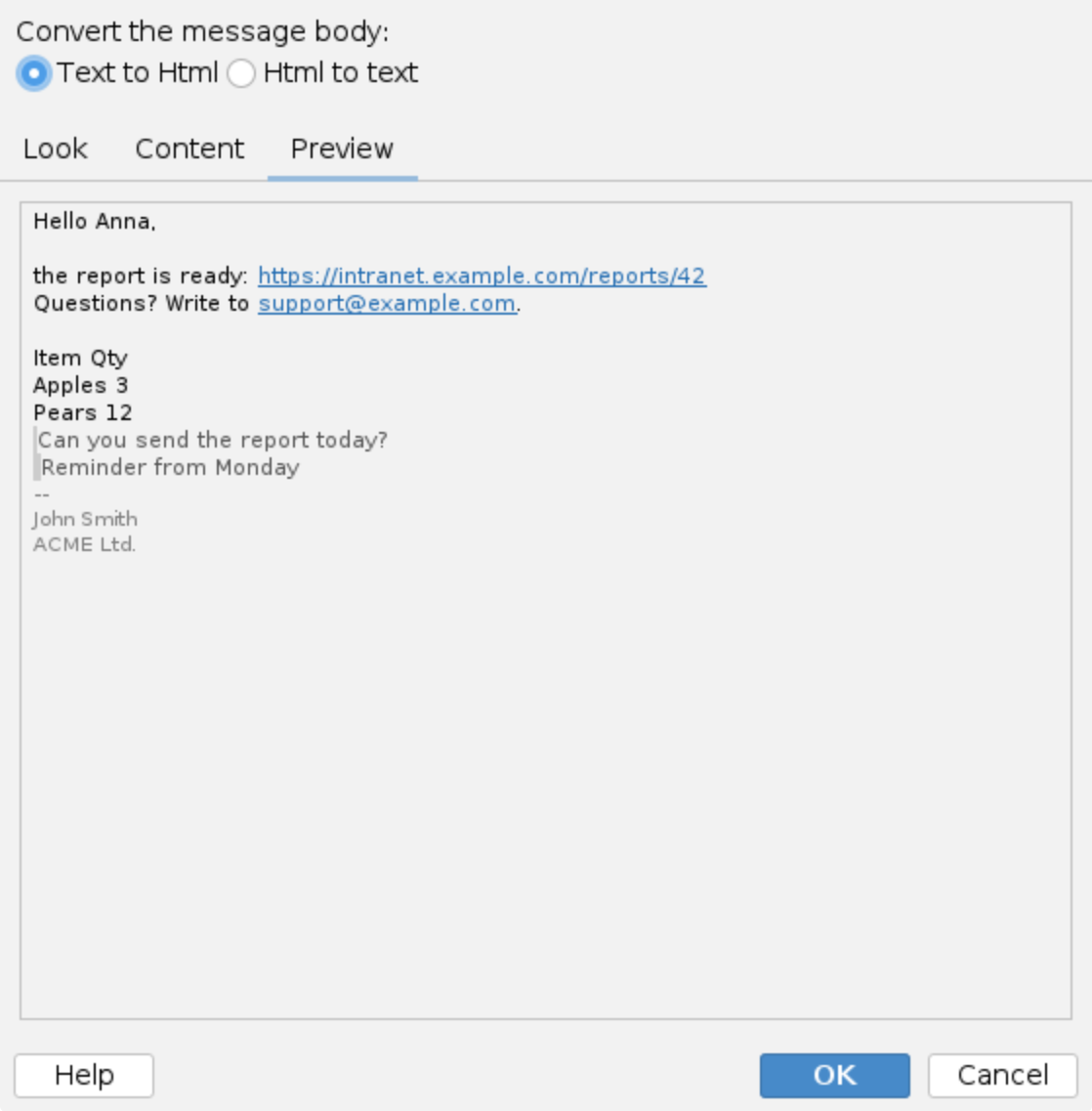
The Preview tab shows a sample message with the current settings.
Html to text
An Html body becomes plain text. Blocks go on their own lines, list items get a dash, quotes a
> prefix, and scripts, styles and the document head are dropped. The result is a
text/plain part in UTF-8.
Options
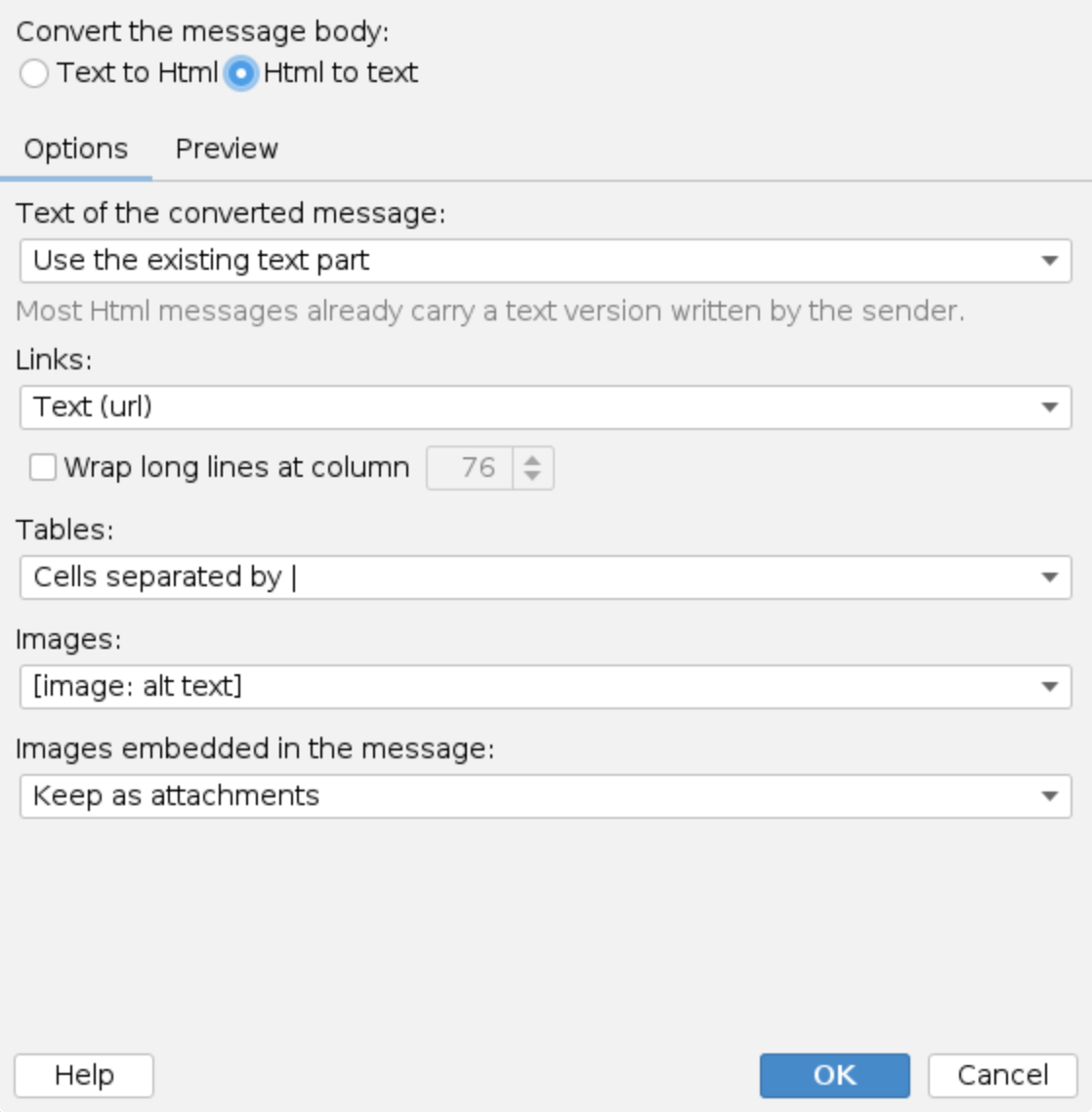
- Text of the converted message - Use the existing text part (the default) sends the text version the sender's mail client wrote next to the Html, when there is one. Most Html messages carry it. Without one, or with Always regenerate from Html, the text is made from the Html with the options below.
- Links - Text (url) puts the address in brackets after the link text, Numbered
footnotes lists the addresses at the end of the text as
[1],[2]and so on, Text only drops the addresses. - Wrap long lines at column - off by default, so lines stay as they are. When on, longer lines are wrapped at the column given (40 to 998, 76 as proposed). A quote prefix is repeated on the continuation lines and a word, such as a long URL, is never broken.
- Tables - cells of a row on one line, separated by
|or by a tab. - Images - [image: alt text] shows the alternative text of each image, Remove drops them.
- Images embedded in the message - the images an Html body embeds (
cid:references) are kept as attachments (the default) or removed.
The Preview tab shows the text made from a sample Html message with the current settings.
Messages left alone
The action does nothing, and says why in the processing trace, when:
- the message is signed or encrypted - changing the body would break the signature or the encryption,
- the message is a calendar invitation,
- the message is already in the target format,
- the message has no text body.
Processing trace
The processing trace in the Events history shows the conversion and what was kept, for example:
Converting Text -> Html [Arial 11pt #000000].
Text converted to Html (multipart/alternative).
Converting Html -> Text [links inline, wrap 76].
Html converted to text (existing text part kept), 2 inline images kept as attachments.
Converting Html -> Text [links footnotes, regenerated].
Message format not changed: the message is signed, changing its body would break it.
Examples
- Mail from a ticket system gets the company look: a policy rule with the
Message sender condition
tickets@example.comand this action set to Text to Html,Calibri 11pt, links on. A signature rule for the same sender then adds the Html signature. - Plain text for a mailing list gateway: a policy rule with the
Message recipient condition
list@example.comand this action set to Html to text, links as numbered footnotes, wrapped at column 76.
Additional resources
- Signature rules and Disclaimer rules - the templates added after the conversion
- Message type - match signed and encrypted messages, which the action leaves alone
- Rules tester - the Html and Text views show the converted message