Message sender

This condition lets you filter messages based on who sent them. You have several ways to match the sender:
Email Address
Enter the sender's email address and choose how to match it:
- Exact match – The email address must match exactly (e.g.
john@mshsoftware.com) - Wildcards – Use
*to match patterns (e.g.,*@mshsoftware.commatches anyone from that domain) - Regular expression – Use advanced pattern matching for complex rules
User
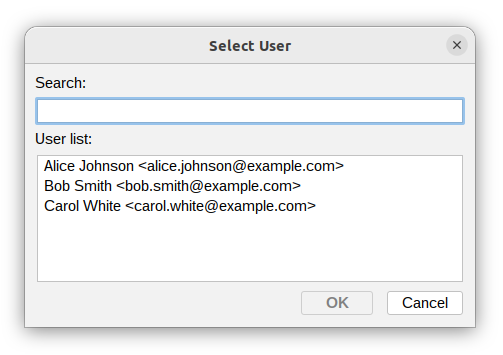
Select a specific user from the list.
The condition will match if that user is the sender.
In Group
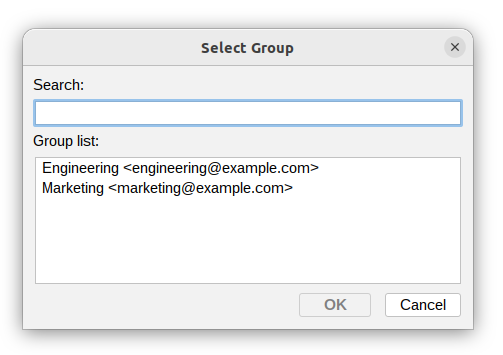
Choose a group from the list. The condition will match if the sender is a member of that group.
A member is recognised by the user id or by the email address the group lists, so groups imported from a CSV file may name their members either way. See Groups.
This is useful when you want to apply the same rule to multiple users at once.
In Domain
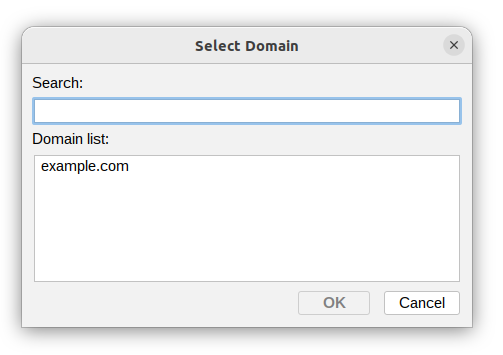
Select a domain. The condition will match if the sender's email address belongs to that domain.
This makes it easy to handle all messages from a specific organization or mail server.
Additional resources
- Domains - read more about Domains settings
- Groups - read more about groups and their members
- User attributes - read more about Users and Groups
- For information about regular expressions you could check regular-expressions.info or regexone.com