Groups
The Groups panel displays a list of groups along with the users assigned to each group.
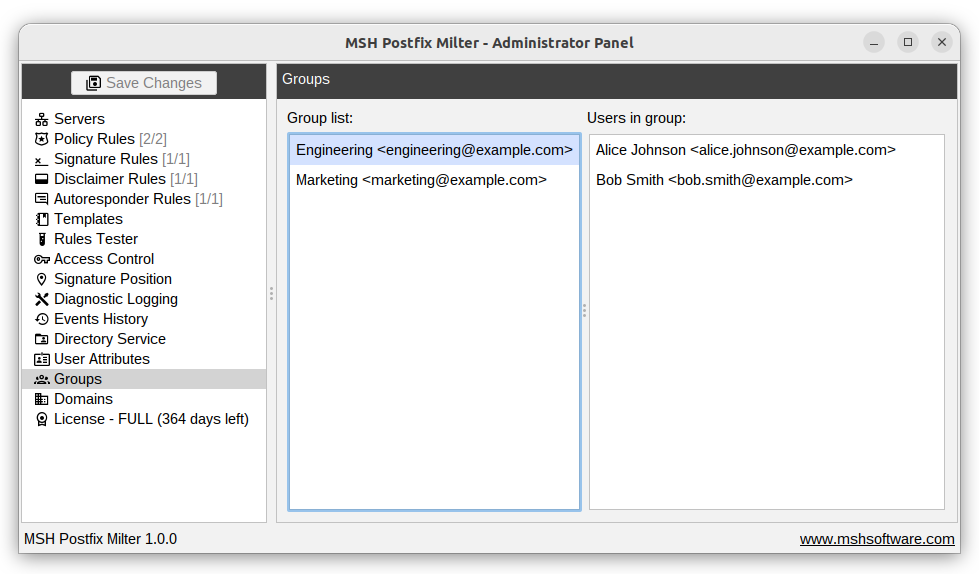
Groups come from the Directory service - Active Directory, OpenLDAP or a manual CSV import. A group member is recognised by the user id or by the user's email address, so a groups CSV file may list members either way. See the directory service reference for the file format.
Use the In Group option of the sender and recipient conditions, and of the message counting conditions, to match messages by group membership.
Additional resources
- Check Conditions to learn how to use groups in policy rules conditions.
- Directory service - where users and groups are imported from.