Attachments
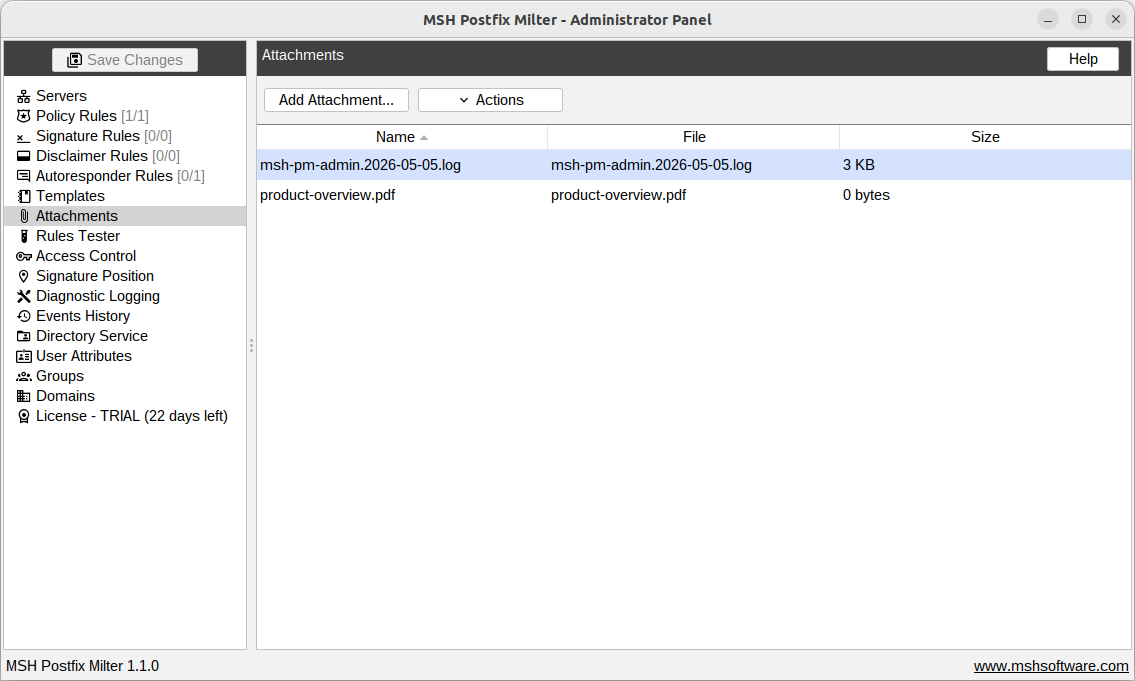
Here you can manage attachments that rules attach to messages: the Add attachment and New message policy rule actions, and the Auto reply message of autoresponder rules.
Attachments uploaded here are stored on the mail server together with the settings, so you can upload a file once from your local machine and reference it from any number of rules.
Add attachment
"Add Attachment..." opens a file chooser and uploads the selected file from the machine the admin panel runs on. The maximum size of a single attachment is 10 MB.
The attachment name shown on the list defaults to the file name and can be changed with "Actions" > "Rename...". The original file name is kept and used as the attachment file name in the delivered message.
Remove attachment
"Actions" > "Remove" deletes the selected attachment. When policy rules still use the attachment, a warning lists those rules first - a rule referencing a removed attachment skips the Add attachment action.
Attachments are part of the server settings. Uploads, renames and removals take effect on the mail server after saving the changes.