Reset credentials
When to use this guide
Use these instructions if you encounter any of the following scenarios:
- You've forgotten your application user/password credentials
- You accidentally changed your password and can't remember the new one
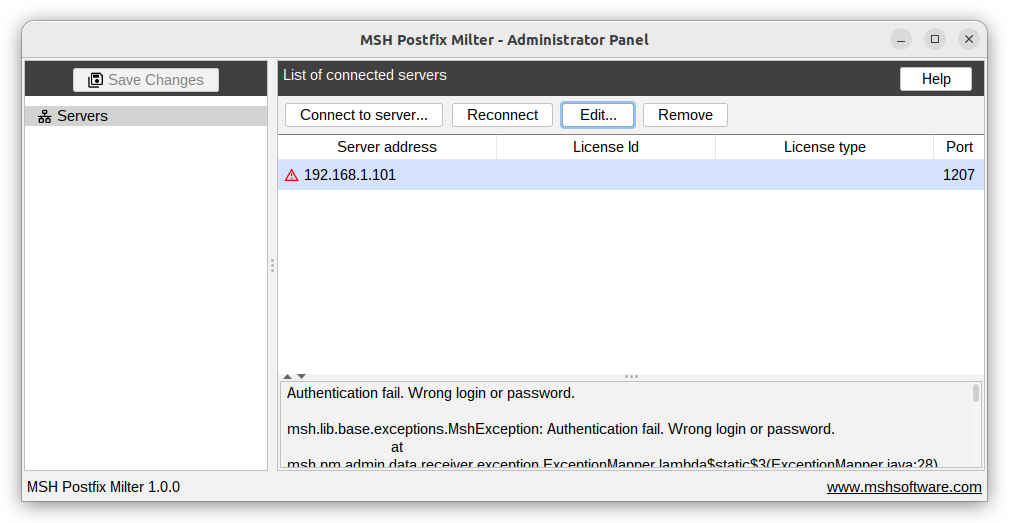
- You're unable to access the server module via the administrator panel due to authentication issues
Instructions
Follow these steps to disable access control:
- Connect to the mail server using your SSH credentials
- Open the configuration file for editing:
/opt/msh-pm-milter/etc/settings.xml
- Locate the access control setting – find the following line:
<access-control enabled="true"/>
- Disable access control by changing the value to
false:<access-control enabled="false"/> - Save your changes and close the editor.
- Apply the configuration by navigating to the Administrator Panel:
- Go to the Servers page
- Select your server from the list
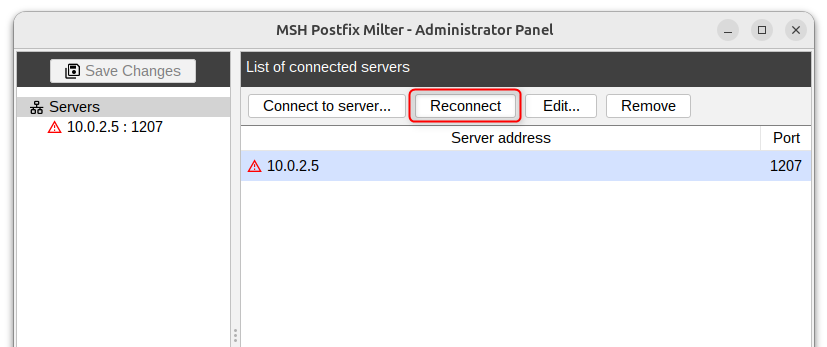
- Click the Reconnect button