Message size
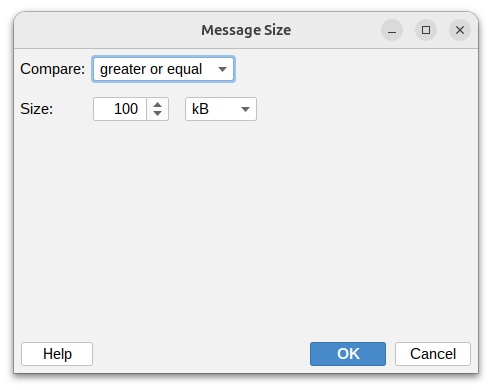
This condition lets you filter messages based on their total size. This is useful for identifying large attachments, limiting message sizes, or separating small text messages from larger ones.
Compare

Set how to compare the message size:
- Greater or equal – At least the specified size
- Greater than – Larger than the specified size
- Less or equal – No larger than the specified size
- Less than – Smaller than the specified size
- Equal – Exactly matches the size you specify
- Not equal – Any size except the one you specify
Size specification

Enter a number and select the unit:
- B – Bytes
- kB – Kilobytes (1 kB = 1,024 bytes)
- MB – Megabytes (1 MB = 1,024 kB)
- GB – Gigabytes (1 GB = 1,024 MB)
note
Message size includes the body text, attachments, headers, and all other message components. Attachments typically increase the size significantly due to encoding overhead.