Message sender
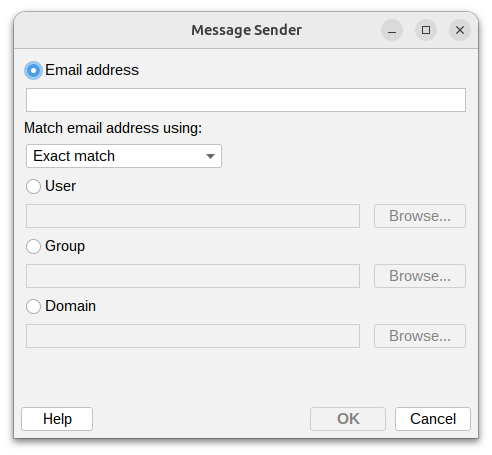
This condition lets you filter messages based on who sent them. You have several ways to match the sender:
Email Address
Enter the sender's email address and choose how to match it:
- Exact match – The email address must match exactly (e.g.
john@mshsoftware.com) - Wildcards – Use
*to match patterns (e.g., *@mshsoftware.com matches anyone from that domain) - Regular expression – Use advanced pattern matching for complex rules
User
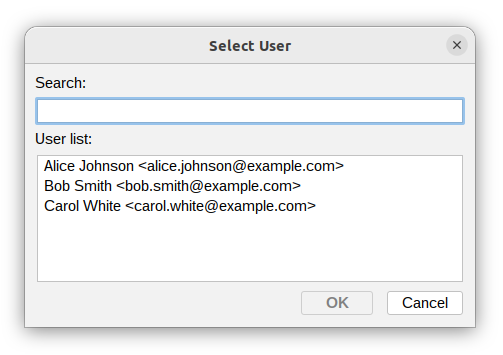
Select a specific user from the list.
The condition will match if that user is the sender.
Group
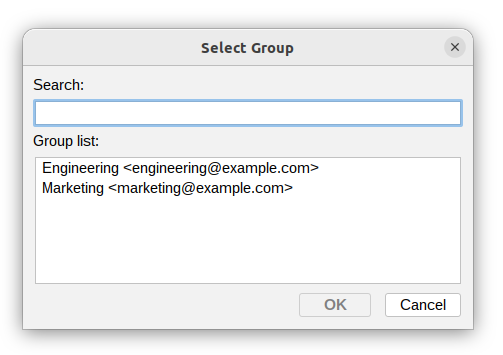
Choose a group from the list. The condition will match if the sender belongs to that group.
This is useful when you want to apply the same rule to multiple users at once.
Domain
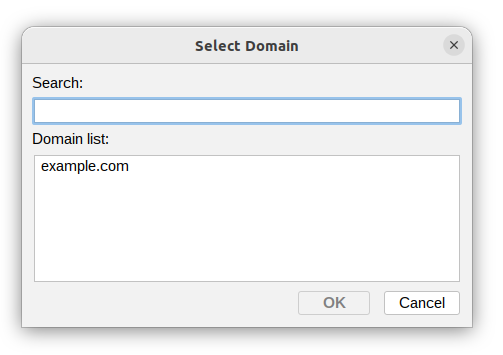
Select a domain. The condition will match if the sender's email address belongs to that domain.
This makes it easy to handle all messages from a specific organization or mail server.
Additional resources
- Domains - read more about Domains settings
- User attributes - read more about Users and Groups
- For information about regular expressions you could check regular-expressions.info or regexone.com