Attachments count
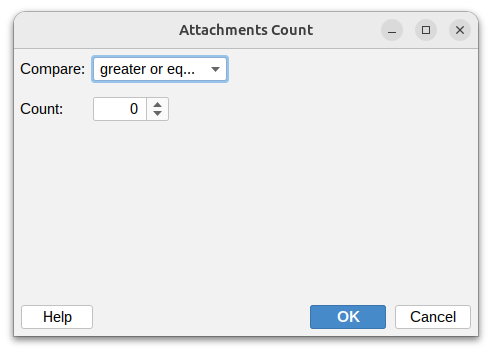
This condition lets you filter messages based on how many attachments they have. This is useful for identifying messages without attachments, catching bulk file transfers, or enforcing attachment policies.
Compare

Set how to compare the number of attachments:
- Greater or equal – At least the specified number of attachments
- Greater than – More attachments than the specified count
- Less or equal – No more than the specified number of attachments
- Less than – Fewer attachments than the specified count
- Equal – Exactly matches the count you specify
- Not equal – Any count except the one you specify
Number of attachments
Enter the number of attachments to use as the threshold.
Examples
- Find messages without attachments: Equal to 0
- Identify single-file messages: Equal to 1
- Catch bulk transfers: Greater than 5
- Limit attachments per message: Greater or equal to 10
- Find text-only messages: Equal to 0
- Allow moderate attachments: Less or equal to 3
- Flag unusual activity: Greater than 20