Message direction
info
This condition requires Directory Service to be configured on the Directory Service settings page. If no domains are defined, this condition will not function correctly.
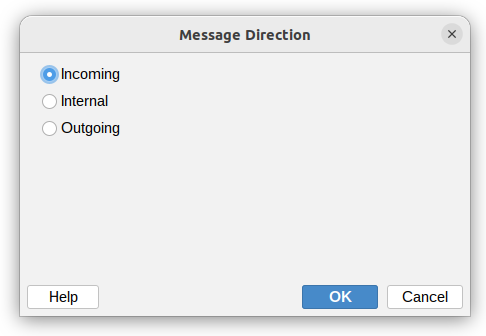
When setting up conditions for your mail server rules, you can filter messages based on their direction. This helps you apply different actions depending on where the message is coming from and where it's going.
There are three direction types you can choose from:
- Incoming – Messages coming from outside your organization to your users
- Internal – Messages sent between users within your organization
- Outgoing – Messages sent from your organization to external recipients
note
If a message has both internal and external recipients, the application treats it as outgoing. This means any rules you've set for outgoing messages will apply to it.
Additional resources
- Domains - read more about Domains settings page