Directory service
The Directory Service integration allows the application to import users and groups from your organization's directory. Once connected, users and groups become available throughout the application - you can use them when defining rule conditions to match messages by sender or recipient.
The application supports three integration modes: manual CSV import, Active Directory, and OpenLDAP.
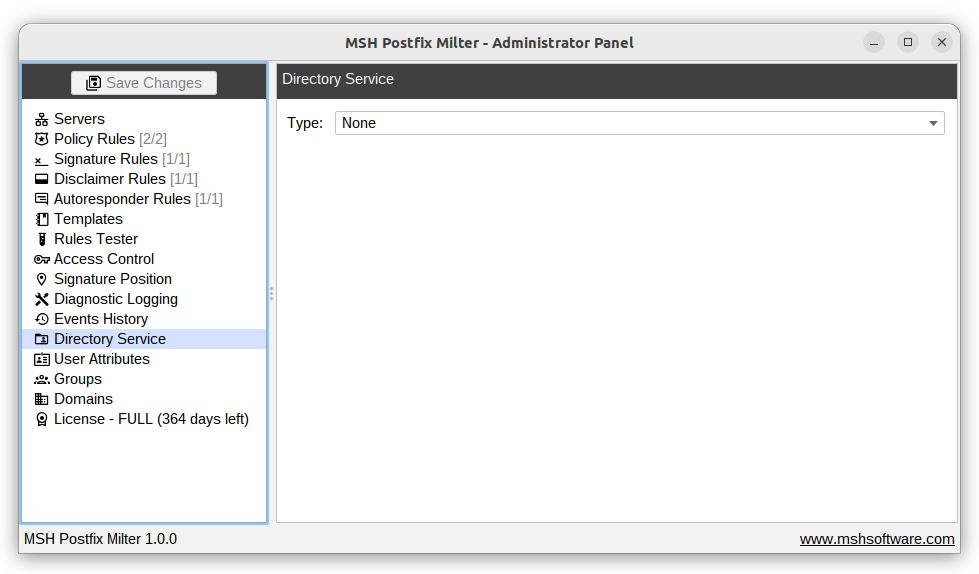
None
When set to None, no directory integration is active.
Manual import
When set to Manual Import, users and groups are loaded from CSV files that you provide. Use the Import users CSV... and Import groups CSV... buttons to select the respective files, then save the settings to update the directory cache.
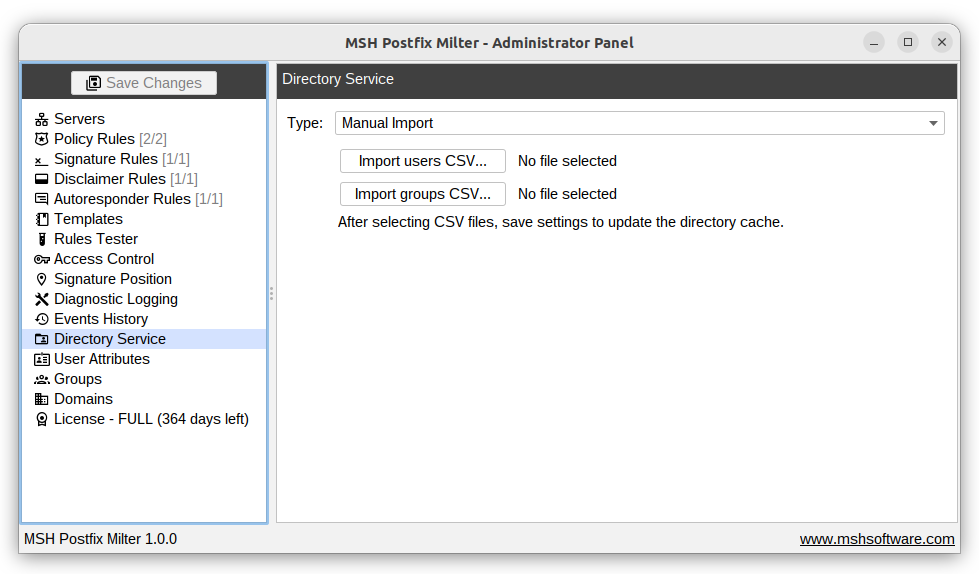
Example CSV files - When using Manual Import, you can download example CSV files to see the expected format:
Active Directory
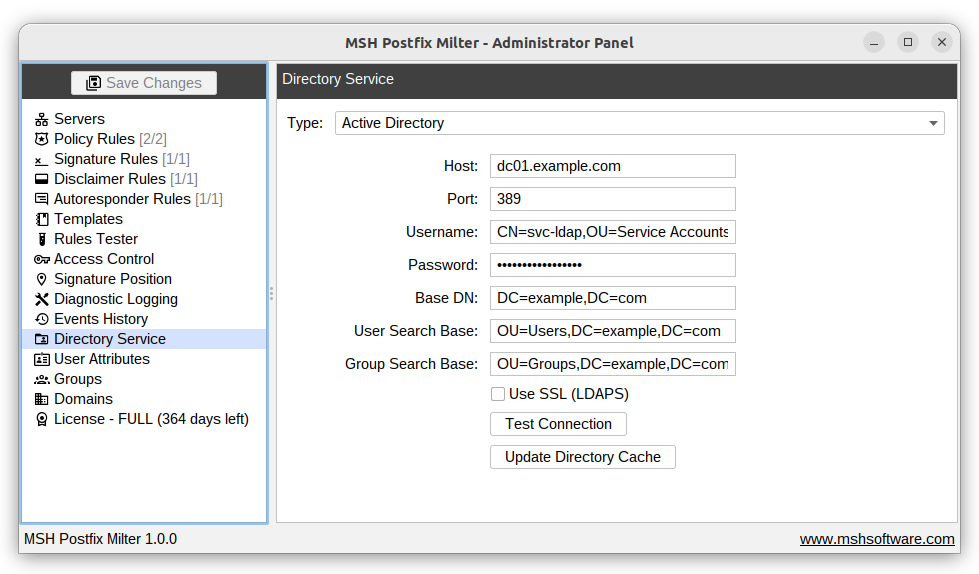
To connect to an Active Directory server, provide the following:
- Host - the hostname or IP address of your domain controller.
- Port - the LDAP port (default:
389; use636with SSL). - Username - the distinguished name (DN) of a service account used to bind to the directory (e.g.
CN=svc-ldap,OU=Service Accounts,DC=example,DC=com). - Password - the password for the service account.
- Base DN - the root distinguished name to search from (e.g.
DC=example,DC=com). - User Search Base - the OU where user accounts are located (e.g.
OU=Users,DC=example,DC=com). - Group Search Base - the OU where groups are located (e.g.
OU=Groups,DC=example,DC=com). - Use SSL (LDAPS) - enable if your server requires a secure LDAP connection.
Use Test Connection to verify the settings before saving. Click Update Directory Cache to manually refresh the imported users and groups.
OpenLDAP
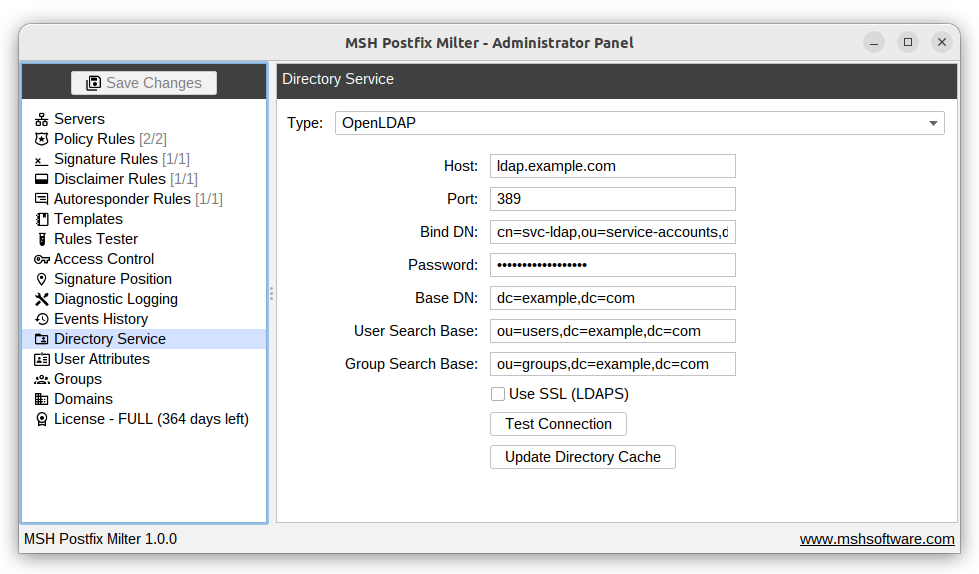
To connect to an OpenLDAP server, provide the following:
- Host - the hostname or IP address of your LDAP server.
- Port - the LDAP port (default:
389; use636with SSL). - Bind DN - the distinguished name used to authenticate with the server (e.g.
cn=svc-ldap,ou=service-accounts,dc=example,dc=com). - Password - the password for the bind DN account.
- Base DN - the root distinguished name to search from (e.g.
dc=example,dc=com). - User Search Base - the DN of the subtree containing user entries (e.g.
ou=users,dc=example,dc=com). - Group Search Base - the DN of the subtree containing group entries (e.g.
ou=groups,dc=example,dc=com). - Use SSL (LDAPS) - enable if your server requires a secure LDAP connection.
Use Test Connection to verify the settings before saving. Click Update Directory Cache to manually refresh the imported users and groups.
Additional information
Synchronization schedule - When using Active Directory or OpenLDAP, the directory cache is automatically synchronized twice a day, at 00:00 and 12:00. You can also trigger a manual sync at any time using the Update Directory Cache button.