Access control
The Access Control panel lets you manage user access to the application.
When the option Anonymous Connection is selected, users can access server module without credentials. When the option Enable Access Control is selected, users must sign in to connect to the server module.
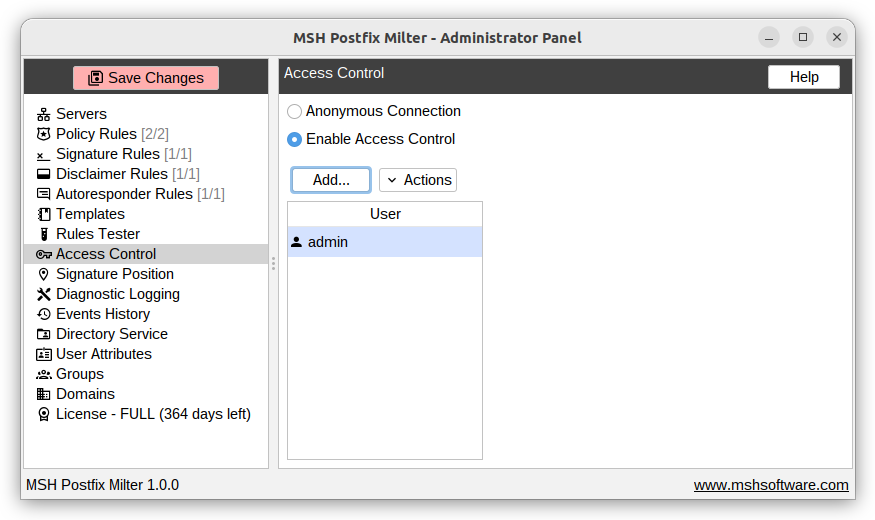
Add user
To add a new user, click the Add button. Provide a username and password for the new user.
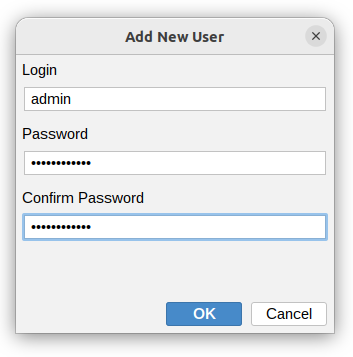
note
To apply access control changes, save the application settings by Save Changes button, then go to Servers and edit the connection configuration. Select Provide credentials, enter the newly added username and password, and click the Connect button.
Additional resources
- Servers - read how to connect to server module with credentials